Skip to content
Free AI Crochet Tool

Turn Baby Portrait Photos into Crochet Patterns

Turn your baby's photo into a soft, keepsake crochet portrait. Free, no signup. Upload your photo and the AI generates a pixel-perfect crochet pattern with row-by-row instructions in seconds.

Upload Your Baby Portrait Photo

First pattern free · No signup · PDF, PNG & CSV export

From Baby Portrait Photo to Crochet

See how AeternaCraft Studio turns a baby portrait photo into a pixel-perfect pattern, then into a finished handmade piece.

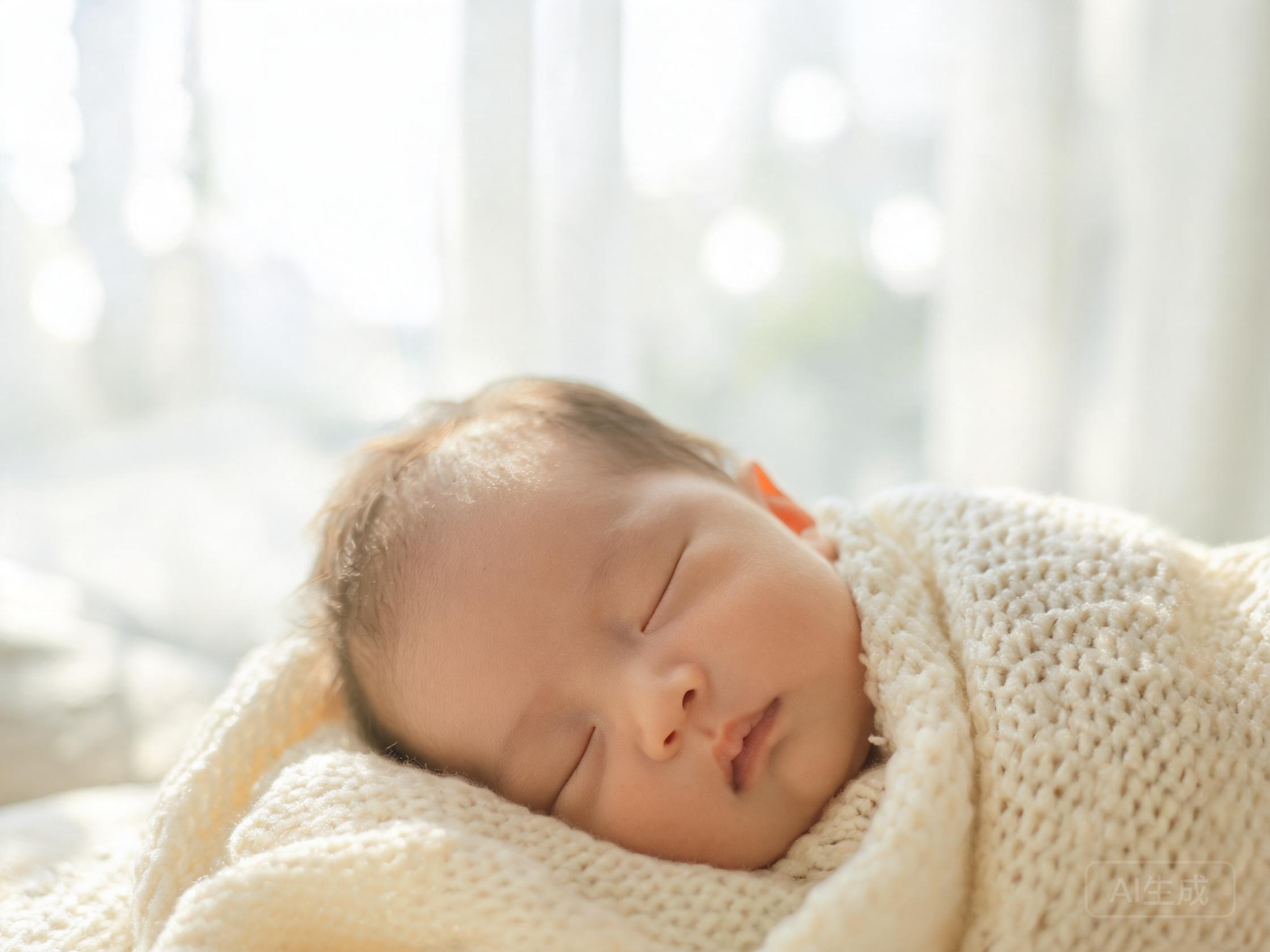
Original baby portrait photo used as reference
Step 1

Original Photo

The reference photo you want to turn into a crochet pattern.

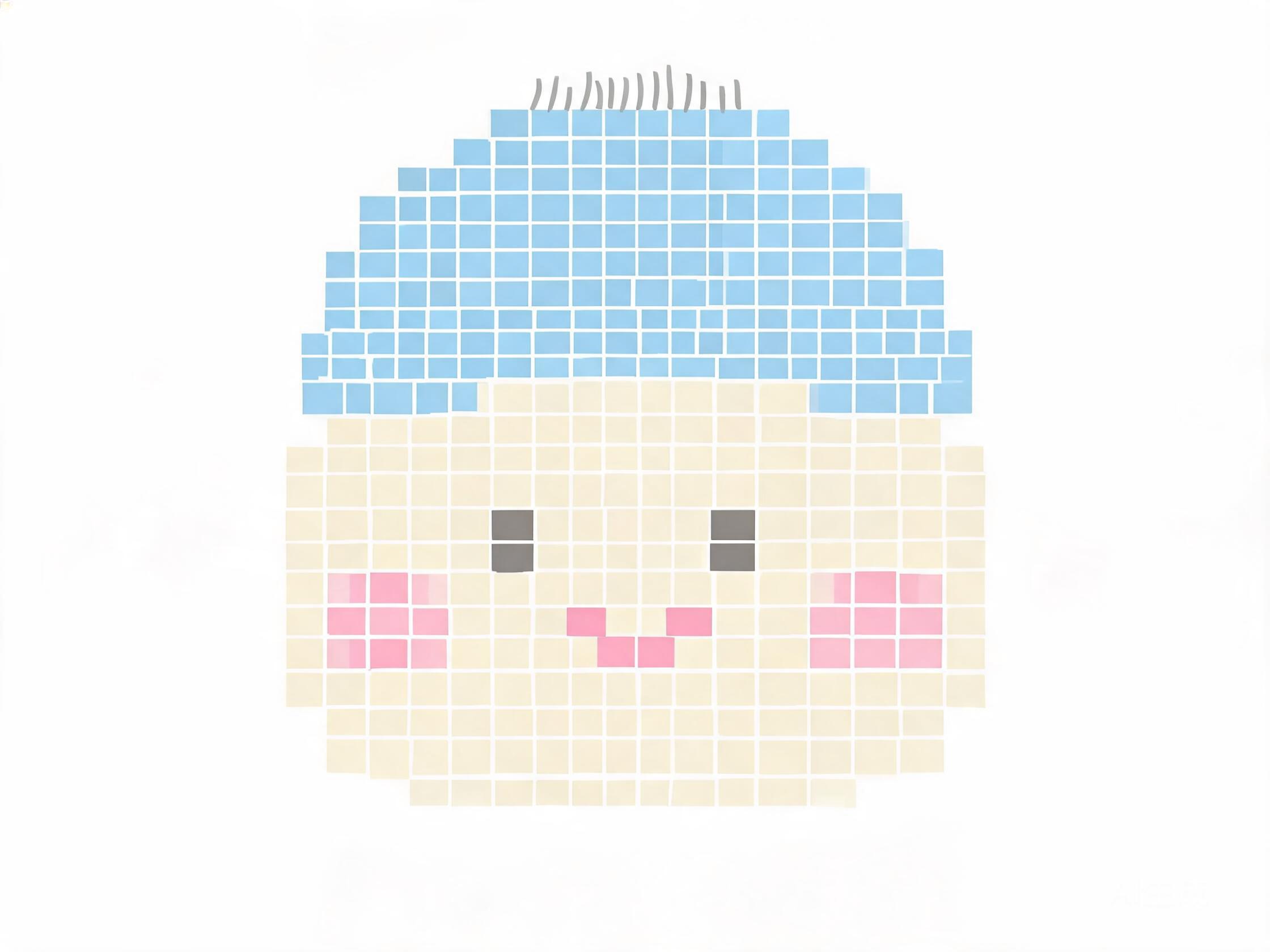
AI-generated baby portrait crochet pattern grid
Step 2

AI-Generated Pattern

A pixel-perfect grid with 10–14 colours and row-by-row instructions.

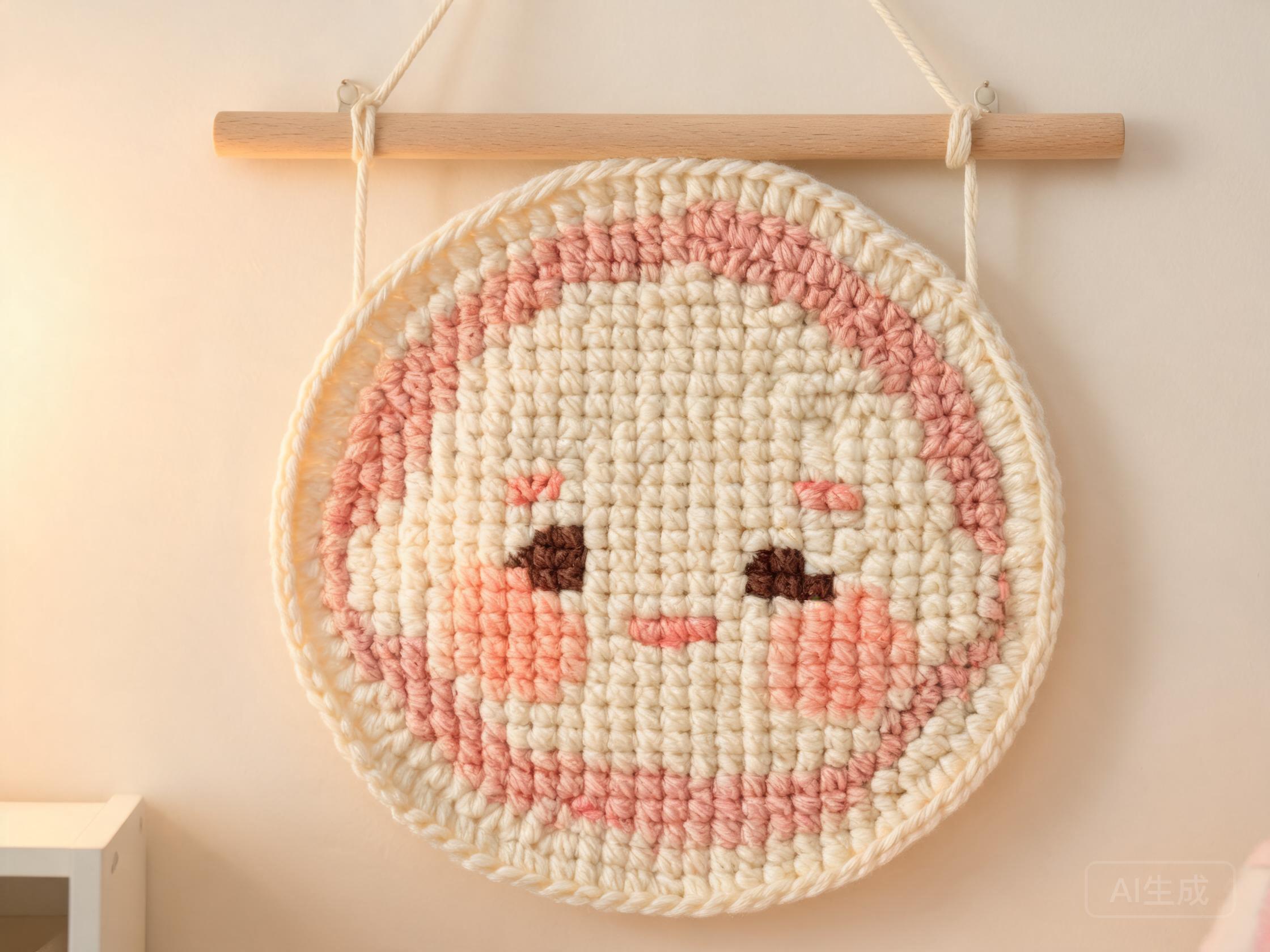
Finished crochet piece from a baby portrait photo
Step 3

Finished Crochet Piece

The completed handmade piece, crocheted from the AI-generated pattern.

Create This Pattern in Studio

Free · No signup · PDF, PNG & CSV export

Why Baby Portrait photos make great crochet patterns

Baby portraits are a fast-growing photo-to-crochet category for good reason: newborn and first-birthday photos capture a fleeting moment, and a pixel crochet portrait becomes a physical keepsake that outlasts a printed picture. The AI preserves delicate skin-tone gradients and the soft folds of a knitted blanket with as few as 10–14 yarn colours.

Because baby photos are usually shot in soft, low-contrast light, the colour quantisation rounds subtle tones into a gentle pastel palette — cream, blush, powder blue, warm grey. Use single crochet (sc) mode for a crisp, gallery-style portrait, or C2C for a plush, blanket-textured piece you can display in the nursery.

A 60-stitch grid makes a ~30 cm wall hanging; an 80–100 stitch grid captures facial detail (closed eyes, tiny fingers, hair fluff) for a larger nursery blanket. For very old scanned baby photos, the AI's enhancement step restores faded colours before mapping them to yarn shades.

Photo tips for baby portrait patterns

  • Shoot in soft natural light — window light beats flash for skin tones
  • A plain blanket or onesie background keeps the grid clean
  • Centre the face and crop tightly for portrait-style patterns
  • Scanned old photos work — the AI enhances faded colours

Recommended colour count

10–14 colours (pastel palette for soft skin-tone gradients)

How to turn a baby portrait photo into a crochet pattern

  1. 1

    Prepare your photo

    Shoot in soft natural light — window light beats flash for skin tones.

  2. 2

    Upload to AeternaCraft Studio

    Drag and drop your image into the Studio at aeternacraft.com/studio/, or click to browse. JPG, PNG, and WebP files up to 10 MB are accepted.

  3. 3

    Choose your colour count

    10–14 colours (pastel palette for soft skin-tone gradients).

  4. 4

    Pick your stitch mode

    Choose Single crochet (sc) for sharp pixel detail or Corner-to-corner (C2C) for a softer, tapestry-like texture.

  5. 5

    Generate and export

    Click Generate. The AI creates your pattern instantly. Download as PDF (with row-by-row instructions and a recommended yarn kit), PNG, and CSV.

Frequently asked questions

Can I turn a baby photo into a crochet pattern?

Yes — upload a JPG, PNG, or WebP of your baby to AeternaCraft Studio, select 10 to 14 colours, and choose single crochet for a crisp portrait or C2C for a soft nursery blanket. A 60-stitch grid makes a ~30 cm wall hanging; 80–100 stitches captures fine facial detail. The first pattern is free, no signup.

How many colours do I need for a baby portrait crochet pattern?

Use 10 to 14 colours for a baby portrait. Baby photos have soft, low-contrast lighting, so the palette skews pastel — cream, blush, powder blue, warm grey. Newborn blanket scenes need a few extra shades to keep the blanket folds distinct from skin tones.

Can I use an old or scanned baby photo?

Yes — the AI accepts scanned and faded baby photos up to 10 MB and enhances washed-out tones before mapping them to the nearest yarn colours. For very small or grainy scans, use a 40–60 stitch grid to avoid over-enlarging the image.

What size crochet portrait should I make from a baby photo?

A 60-stitch grid makes a ~30 cm wall hanging; an 80–100 stitch grid makes a nursery-blanket-sized piece. The tool calculates height from your photo's aspect ratio and exports PDF, PNG, and CSV pattern files.

Ready to start?

Upload your baby portrait photo and generate your first crochet pattern for free — no signup required.

Open AeternaCraft Studio

See real baby portrait transformations in the  Studio gallery.