Skip to content
Free AI Crochet Tool

Turn Wedding Keepsake Photos into Crochet Patterns

Preserve your wedding day as a handcrafted crochet keepsake. Free, no signup. Upload your photo and the AI generates a pixel-perfect crochet pattern with row-by-row instructions in seconds.

Upload Your Wedding Keepsake Photo

First pattern free · No signup · PDF, PNG & CSV export

From Wedding Keepsake Photo to Crochet

See how AeternaCraft Studio turns a wedding keepsake photo into a pixel-perfect pattern, then into a finished handmade piece.

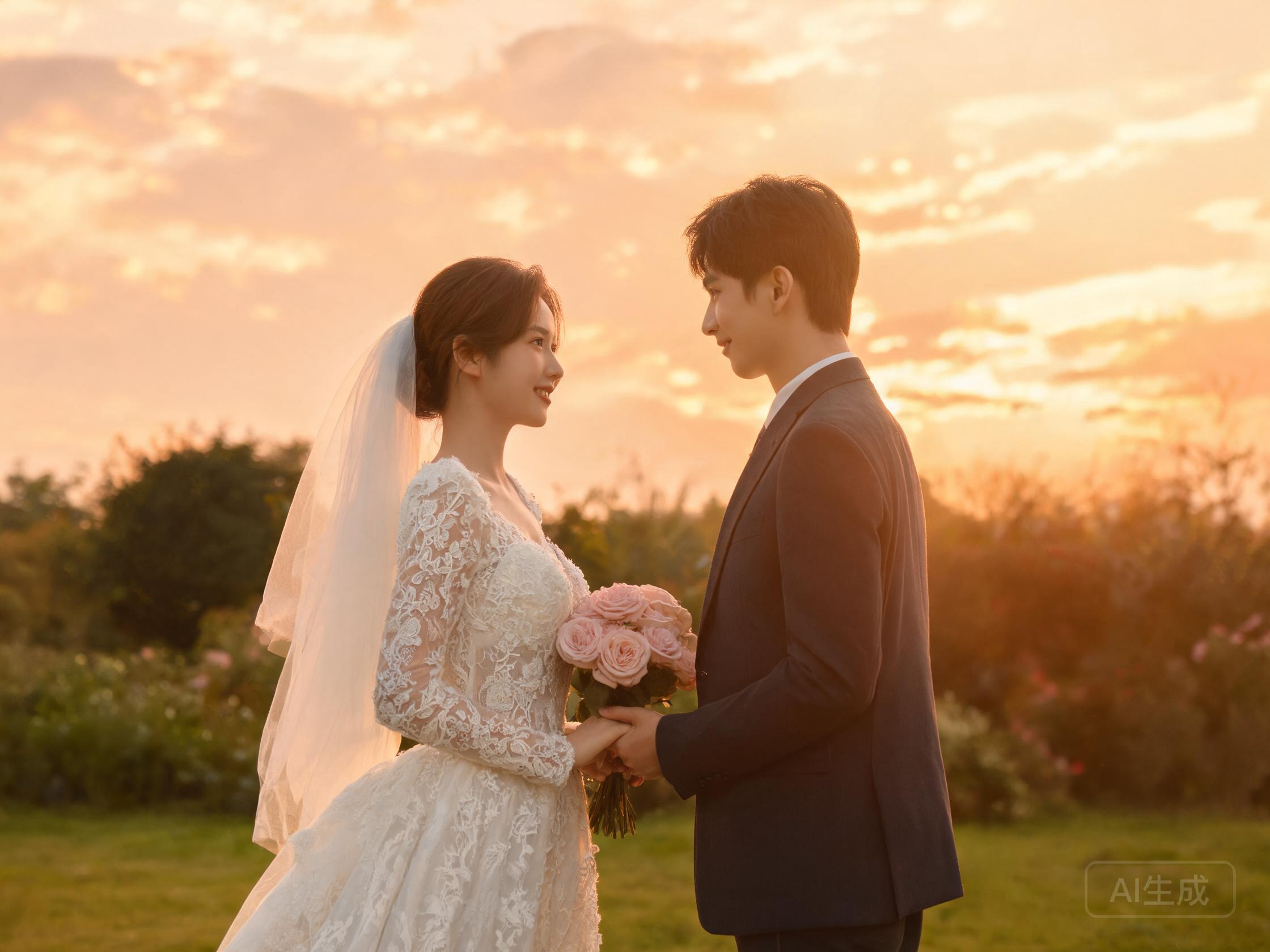
Original wedding keepsake photo used as reference
Step 1

Original Photo

The reference photo you want to turn into a crochet pattern.

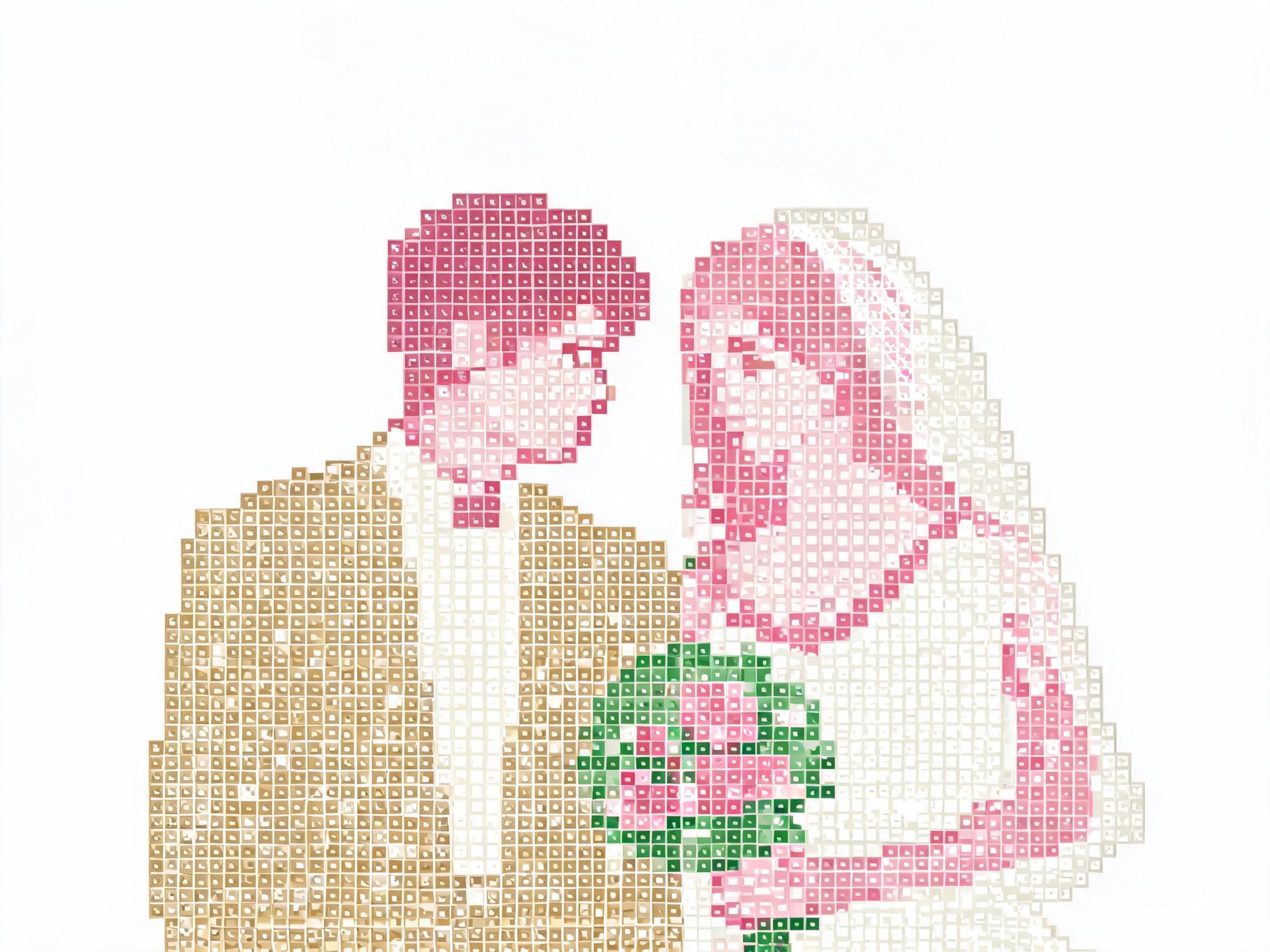
AI-generated wedding keepsake crochet pattern grid
Step 2

AI-Generated Pattern

A pixel-perfect grid with 16–24 colours and row-by-row instructions.

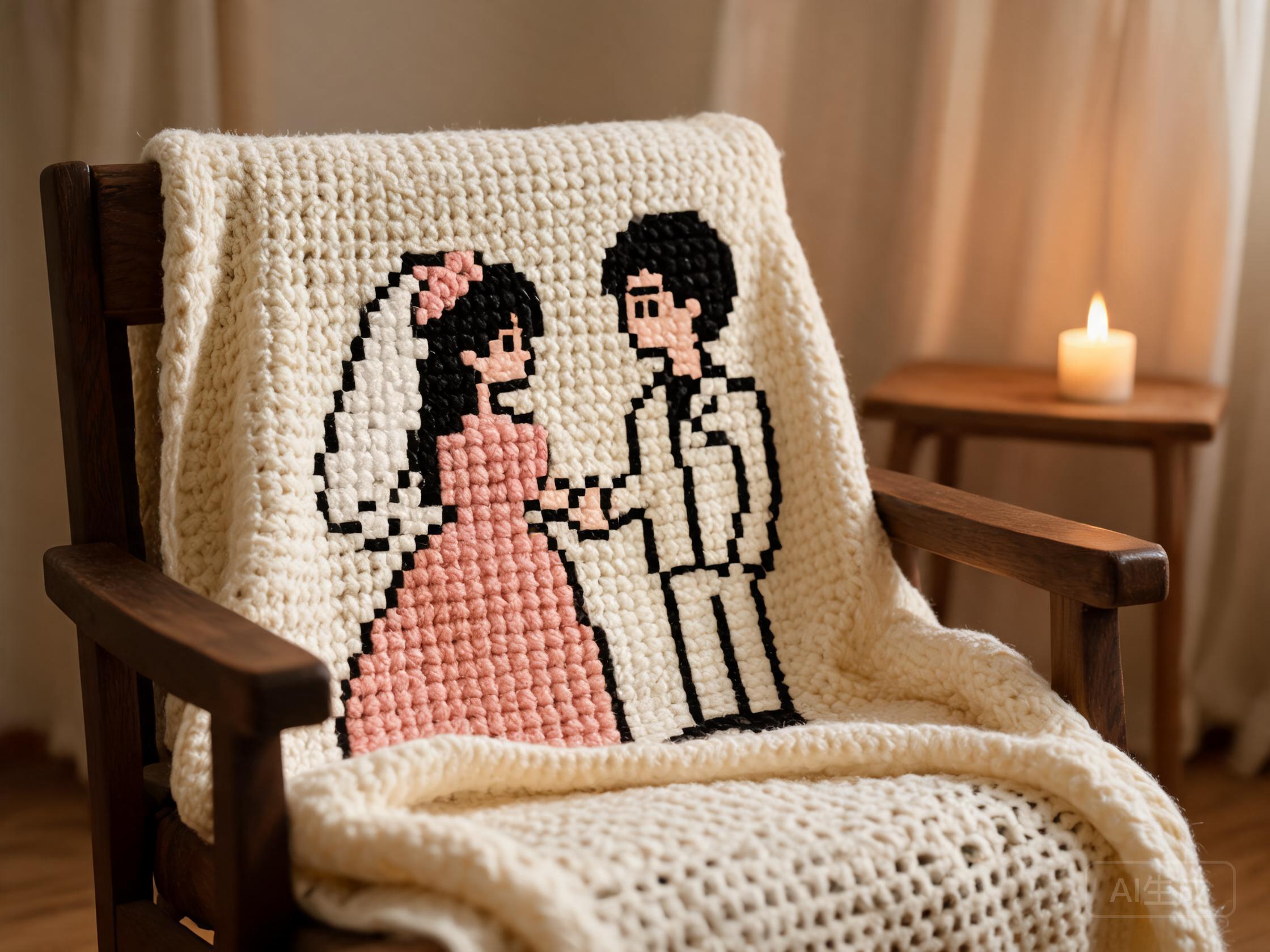
Finished crochet piece from a wedding keepsake photo
Step 3

Finished Crochet Piece

The completed handmade piece, crocheted from the AI-generated pattern.

Create This Pattern in Studio

Free · No signup · PDF, PNG & CSV export

Why Wedding Keepsake photos make great crochet patterns

A wedding photo crochet keepsake turns one of the most emotional photographs of your life into a handmade heirloom. The AI preserves the lace detail of a wedding dress and the soft gradient of white-on-white scenes — a challenge that defeats most pixel-art converters. Use 16 to 24 colours to capture the subtle shading of bridal whites.

For a wedding keepsake, the C2C (corner-to-corner) mode is strongly recommended. The diagonal blocks produce a woven, tapestry-like texture that reads as "heirloom" rather than "pixel art", which suits the emotional weight of a wedding photo. Single crochet (sc) works if you prefer a crisp, graphic look.

A 120-stitch wide grid produces a blanket-sized piece (~120 cm) that can be displayed or used; an 80-stitch grid makes a wall hanging suitable for framing. The PDF export includes a recommended yarn kit so you can order all colours in matching dye lots.

Photo tips for wedding keepsake patterns

  • Choose a photo with the couple centred and facing the camera
  • High-resolution scans of film photos work — the AI enhances them
  • Avoid photos with harsh shadows across faces
  • A 4:5 or square crop produces the cleanest grid

Recommended colour count

16–24 colours (whites and creams need the most colours to preserve shading)

How to turn a wedding keepsake photo into a crochet pattern

  1. 1

    Prepare your photo

    Choose a photo with the couple centred and facing the camera.

  2. 2

    Upload to AeternaCraft Studio

    Drag and drop your image into the Studio at aeternacraft.com/studio/, or click to browse. JPG, PNG, and WebP files up to 10 MB are accepted.

  3. 3

    Choose your colour count

    16–24 colours (whites and creams need the most colours to preserve shading).

  4. 4

    Pick your stitch mode

    Choose Single crochet (sc) for sharp pixel detail or Corner-to-corner (C2C) for a softer, tapestry-like texture.

  5. 5

    Generate and export

    Click Generate. The AI creates your pattern instantly. Download as PDF (with row-by-row instructions and a recommended yarn kit), PNG, and CSV.

Frequently asked questions

Can I turn my wedding photo into a crochet keepsake?

Yes — upload your wedding photo, select 16 to 24 colours, choose C2C (corner-to-corner) mode, and set the grid width to 120 stitches for a blanket-sized keepsake (~120 cm). The tool generates a PDF with row-by-row instructions and a recommended yarn kit. Your first pattern is free.

How many colours do I need for a wedding photo crochet pattern?

Wedding photos need 16 to 24 colours to capture the subtle shading of the dress, veil, and skin tones. Fewer colours flatten the image into a single white block, losing all detail.

What is the best crochet mode for a wedding keepsake?

Corner-to-corner (C2C) is recommended — the diagonal blocks produce a soft, woven texture that reads as an heirloom rather than pixel art. Single crochet (sc) works if you prefer a crisp, graphic look.

Can I crochet a wedding blanket from an old or scanned photo?

Yes — AeternaCraft Studio accepts any JPG, PNG, or WebP up to 10 MB, including scanned film photos and old prints. The AI enhances faded tones before mapping them to yarn colours. For a keepsake piece, C2C mode with 16–24 colours produces a gentle, heirloom-quality texture.

Ready to start?

Upload your wedding keepsake photo and generate your first crochet pattern for free — no signup required.

Open AeternaCraft Studio

See real wedding keepsake transformations in the  Studio gallery.